> For the complete documentation index, see [llms.txt](https://docs.p0.dev/llms.txt). Markdown versions of documentation pages are available by appending `.md` to page URLs; this page is available as [Markdown](https://docs.p0.dev/integrations/tracker-integrations/jira.md).
# Jira
Install the P0 Security Jira integration to automatically open, assign, and track access-request tickets for just-in-time access approvals.
## Before you begin
The P0 Jira App will be installed through the [Atlassian marketplace](https://marketplace.atlassian.com/apps/1234348/p0-security). Ensure that you have admin access to your instance of Jira to install.
## Installing the Jira integration
1. Log into Jira as an admin.
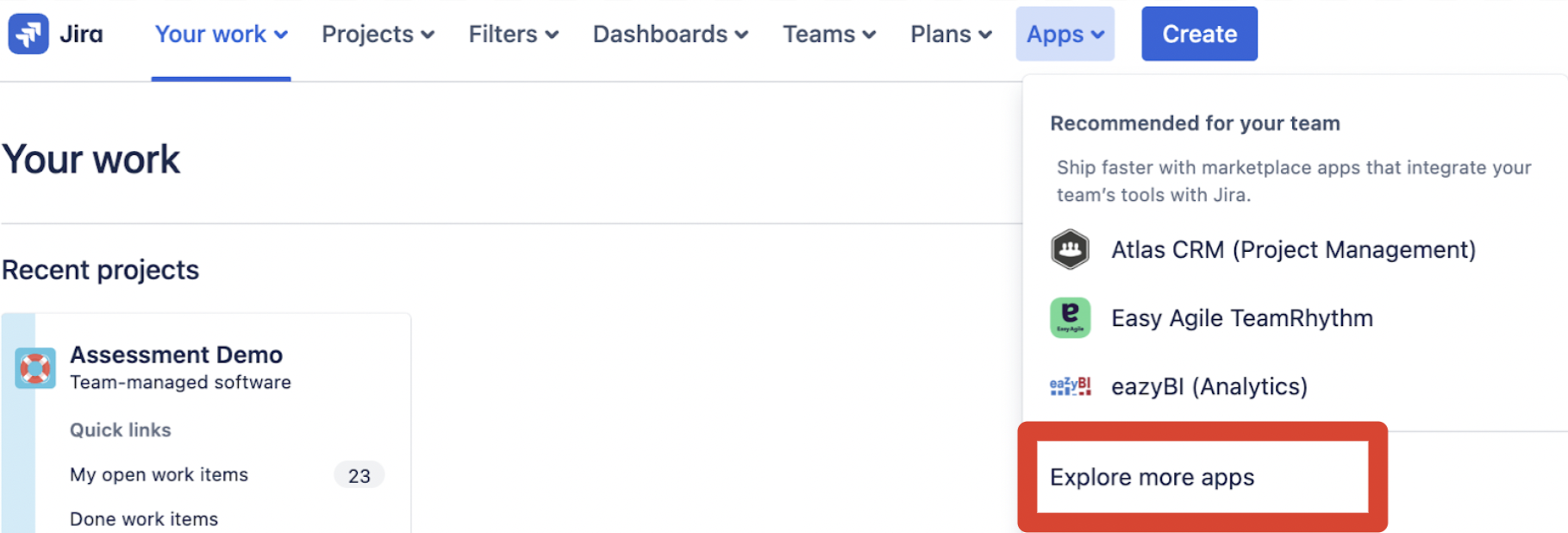
2. Select the Apps dropdown menu from top navigation bar, and choose `Explore more apps`.
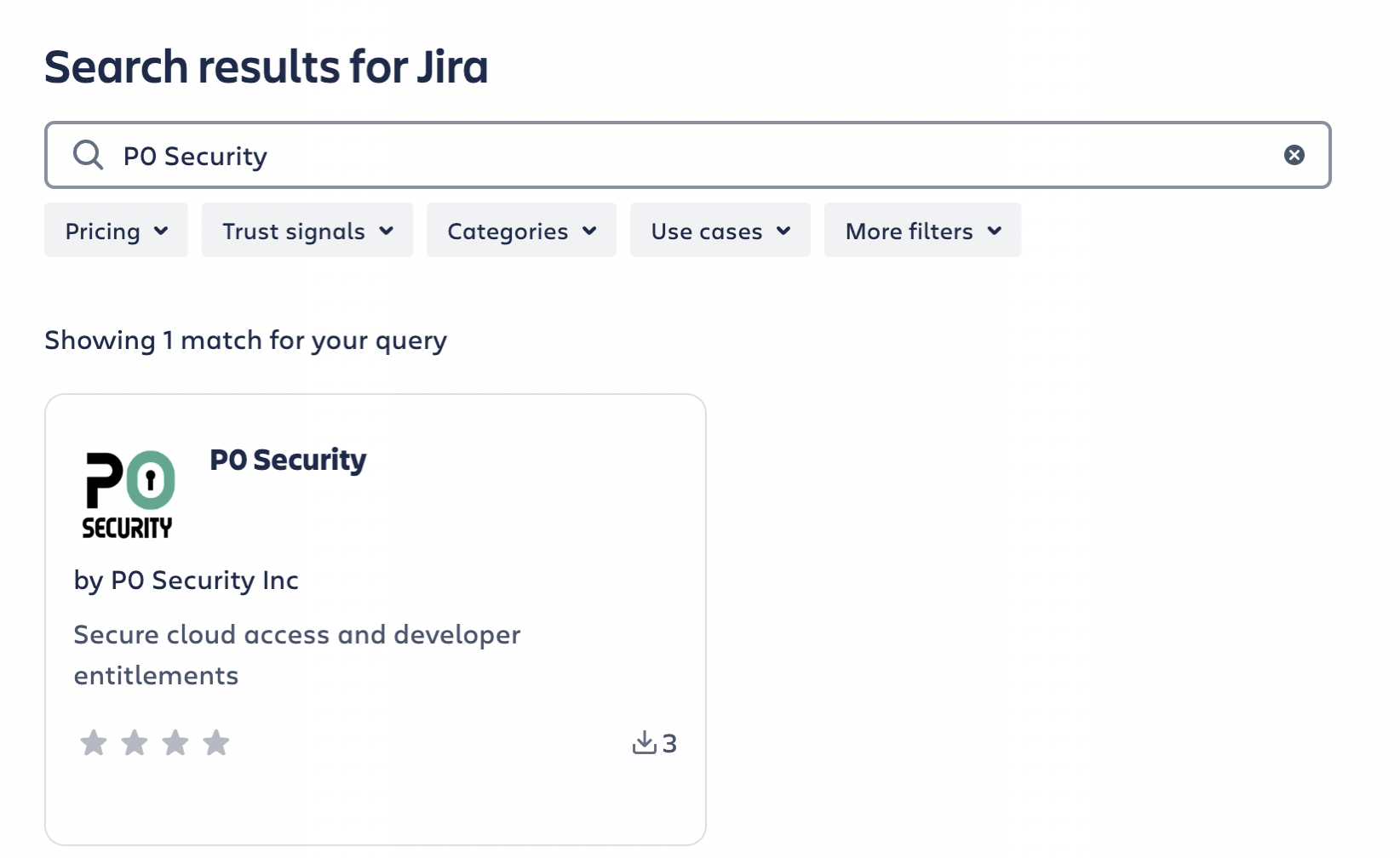
3. Type “P0 Security” in the search bar to find the appropriate app.
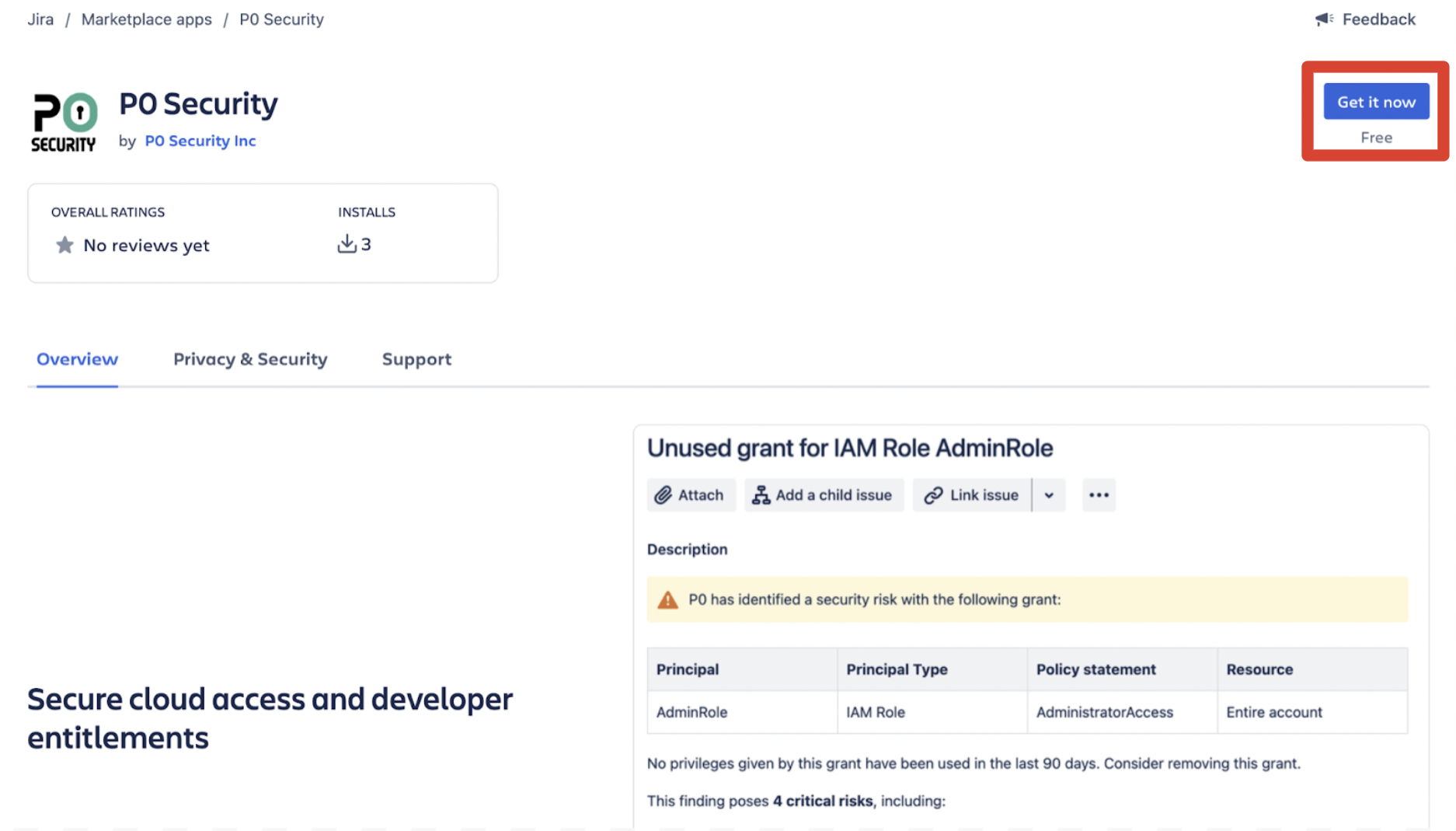
4. Select the app tile to view the app details. Then, select `Get app` to install the app.
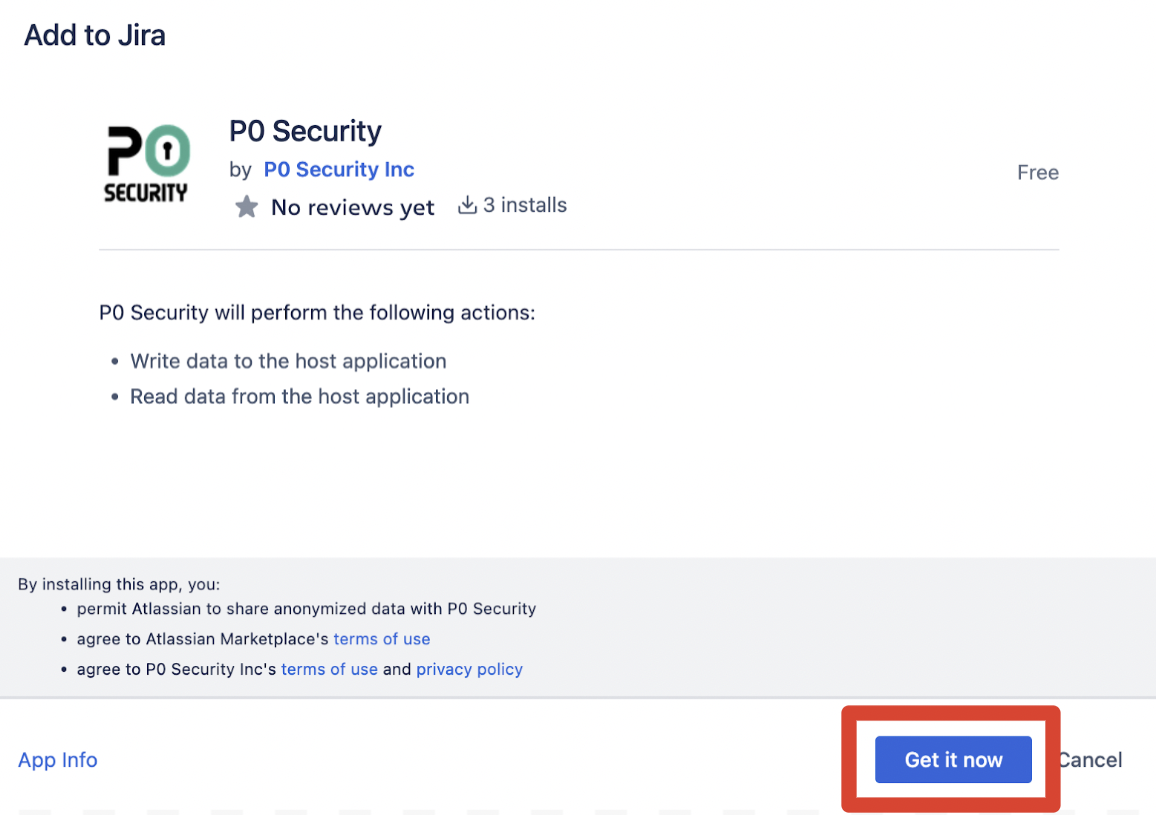
5. Click `Get it now` on the pop-up. P0 needs to read data from Jira to check the status of tickets and needs to write to Jira to open and assign tickets.
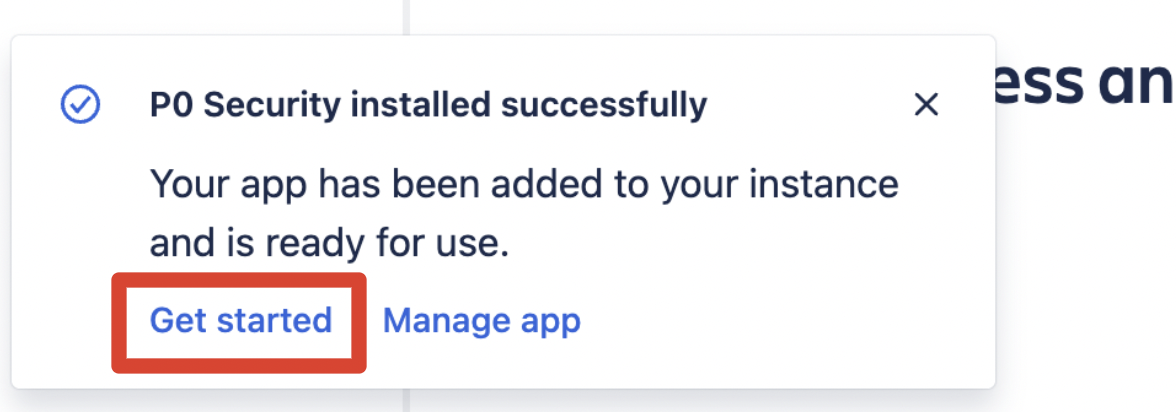
6. After the app installs, a success message appears. Click `Get started`
7. A page appears with a link to finish your integration in the P0 app. Click `Go to the P0 app`.
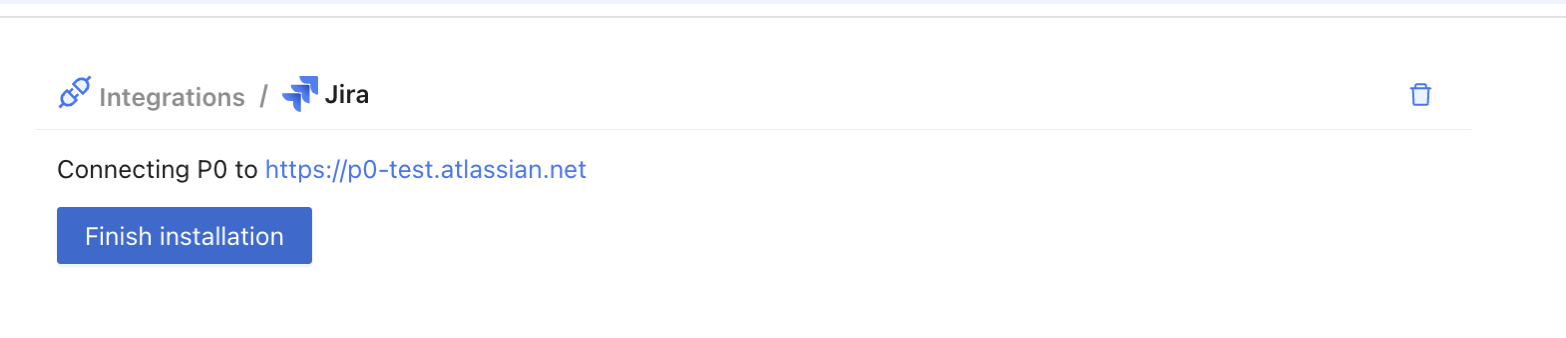
8. The Jira integration page opens inside the P0 app. Click `Finish installation`.
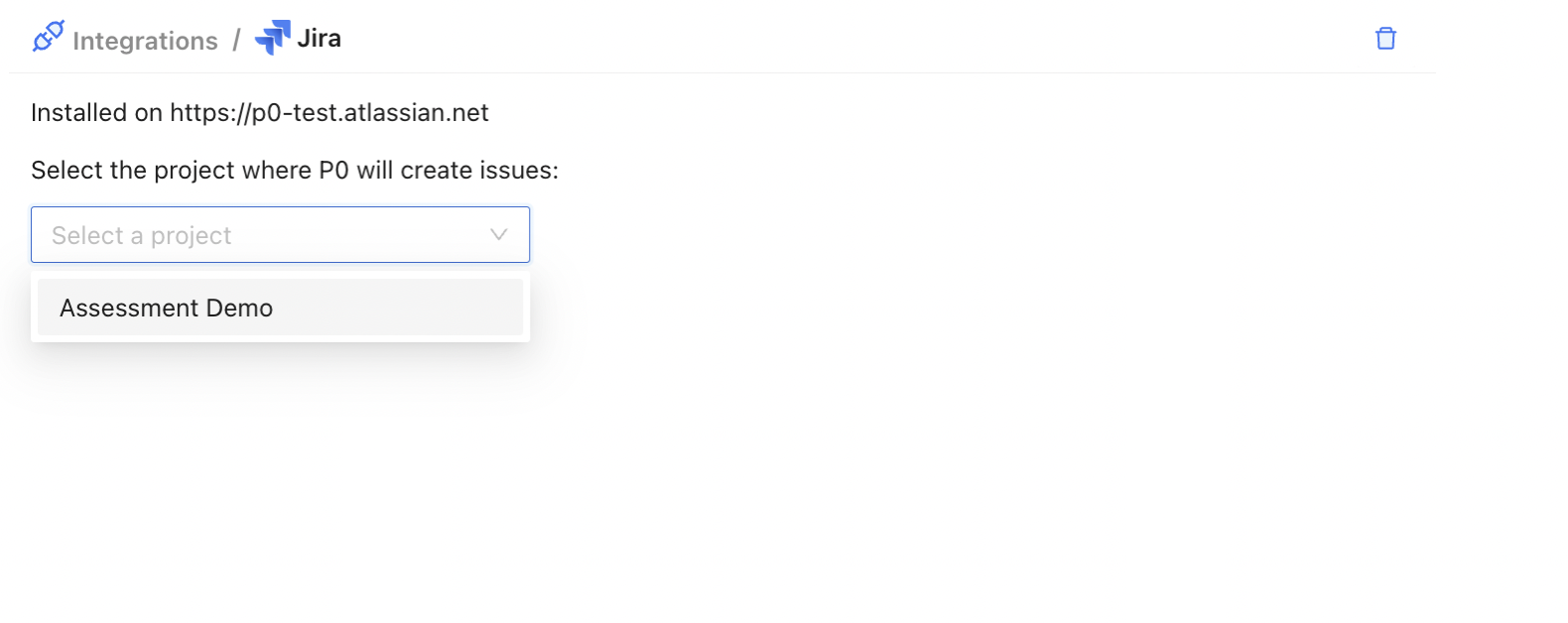
9. Finally, select the Jira project in which P0 will create issues.
## Next steps
Now that Jira is installed, you can assign P0 findings in Jira. Follow the [assignment documentation](https://docs.p0.dev/finding-details#assign) to learn how.