> For the complete documentation index, see [llms.txt](https://docs.p0.dev/llms.txt). Markdown versions of documentation pages are available by appending `.md` to page URLs; this page is available as [Markdown](https://docs.p0.dev/readme/access-inventory.md).
# Access inventory
Discover production assets, identities, and access risks across AWS, Google Cloud, Kubernetes, Okta, Google Workspace, and Microsoft Azure (beta) with P0's access inventory.
Use P0's access inventory to view your production assets, all the identities that can access them, and associated access risks.
*IAM assessment is currently available for AWS, Google Cloud, Kubernetes, Okta, Google Workspace, and Microsoft Azure in beta (see* [IAM assessment](/integrations/resource-integrations/microsoft-azure/iam-assessment.md)*).*
### Features
* Combines IAM data from disparate sources, including your identity provider, your IAM policies, and your cloud access logs
* Evaluates issues based on risks of individual privileges, using P0's open-source [IAM Privilege Catalog](https://catalog.p0.dev)
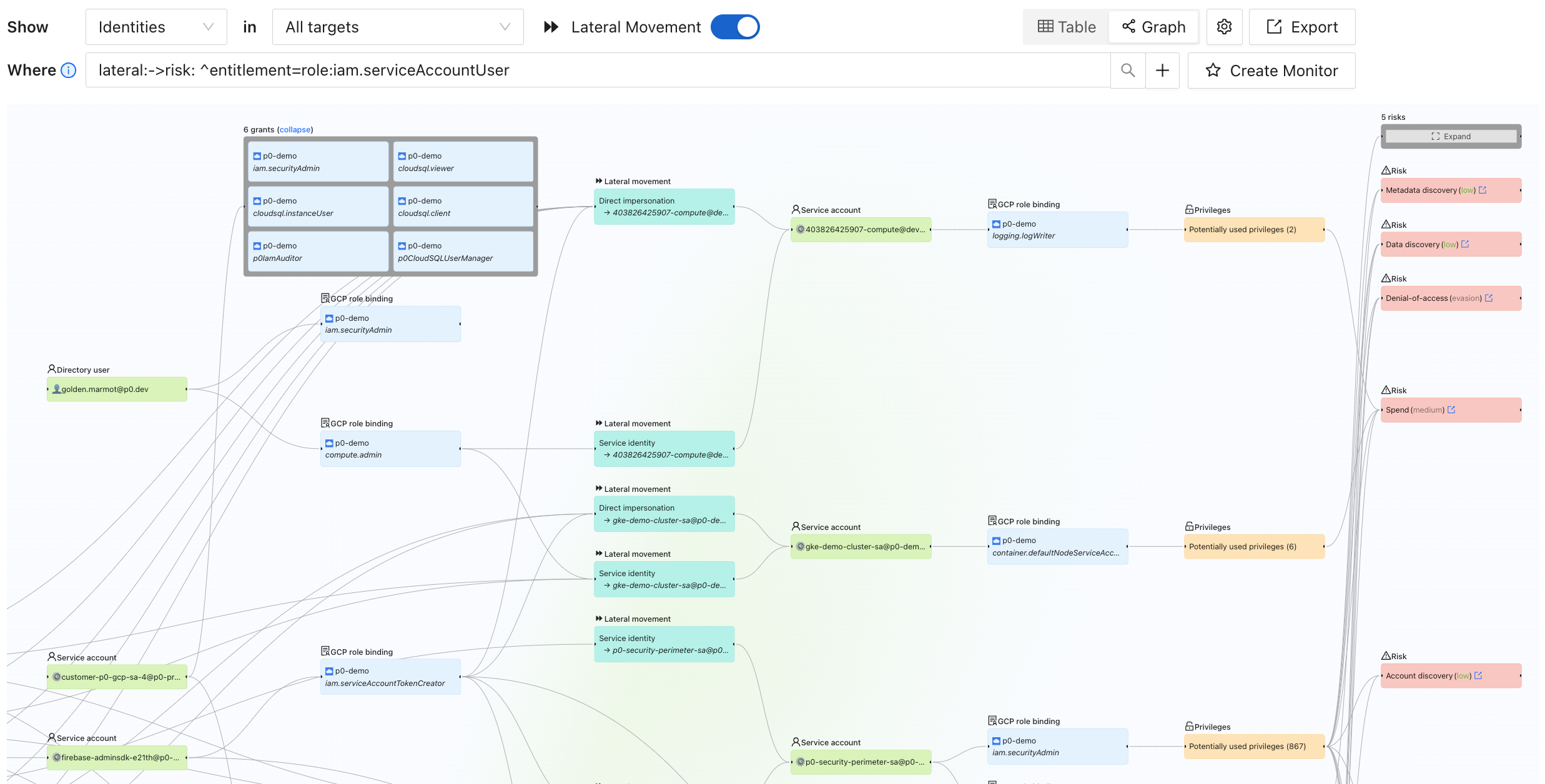
* Detects lateral movement across identities and clouds
### How it works in P0
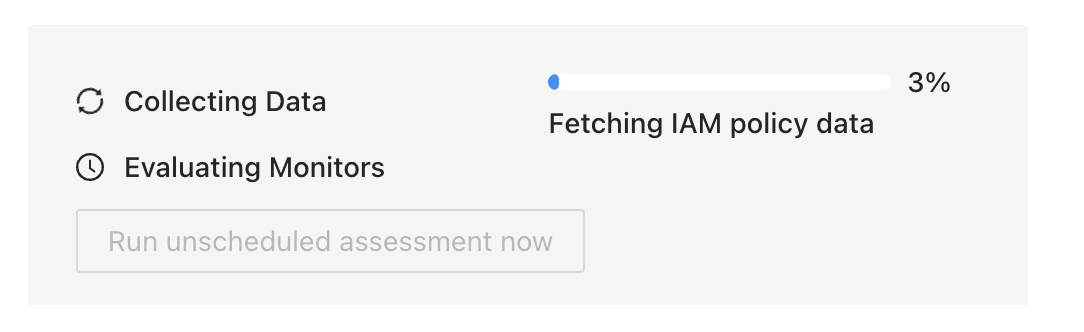
P0 connects to your IAM systems, reading your configuration.
P0 builds a complete end-to-end access graph for your environment:
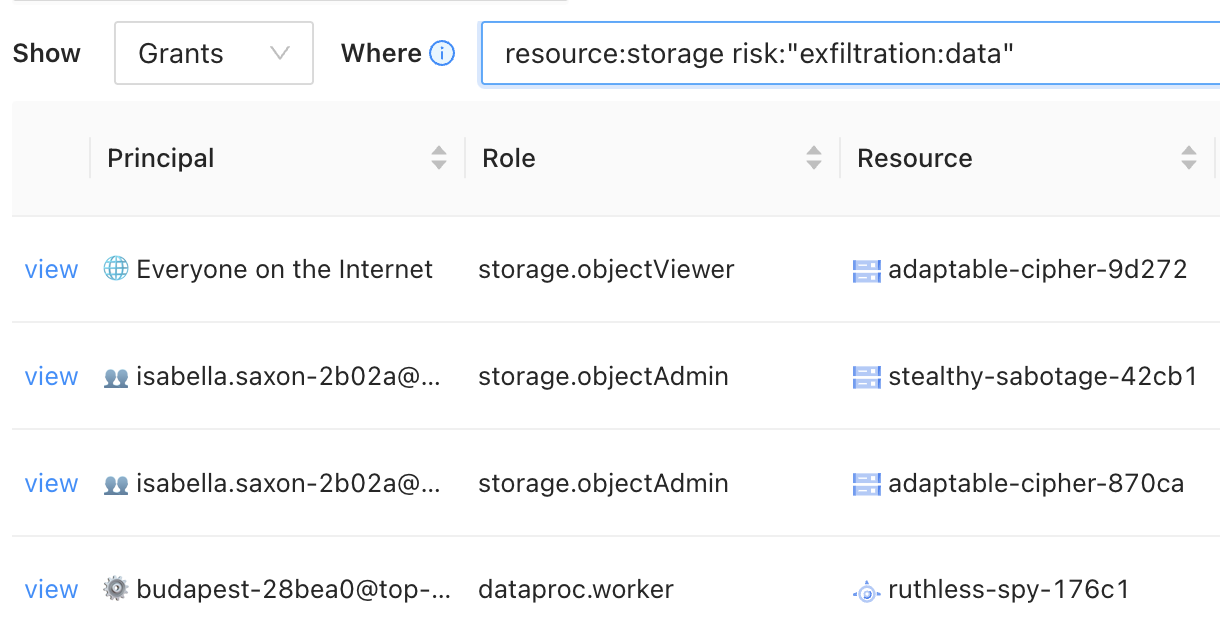
You can query your access graph to find sensitive access to specific resources, specific risks, or more:
### Related documentation
* [Access inventory](/inventory/access-inventory.md): Search your inventory, view asset lists, and explore the access graph
* [Query search](/inventory/query-search.md): Write queries to find specific identities, entitlements, and resources
* [Posture overview](/posture/posture-overview.md): See access-vulnerability findings detected from your inventory data
### Get started with P0's access inventory
Getting set up and collecting your organization's inventory takes about 15 minutes.
1. Sign up for a P0 account at [p0.app/create-account](https://p0.app/create-account).
2. Follow the instructions in [Creating an environment](/getting-started/creating-an-environment.md).
3. For a complete walkthrough, see the [Explore who has access to what with Access Inventory](/getting-started/getting-started-with-access-inventory.md) guide.